Implementation Guide

Setup & Installation

The Camsec AI Pro Mini is designed for a frictionless, zero-touch remote installation. By leveraging your existing legacy camera network, the device transforms standard IP cameras into an intelligent biometric and operational monitoring system.

Hardware Component Checklist

What’s inside the Box?

Everything included in your Camsec AI Pro Mini package.

INCLUDED

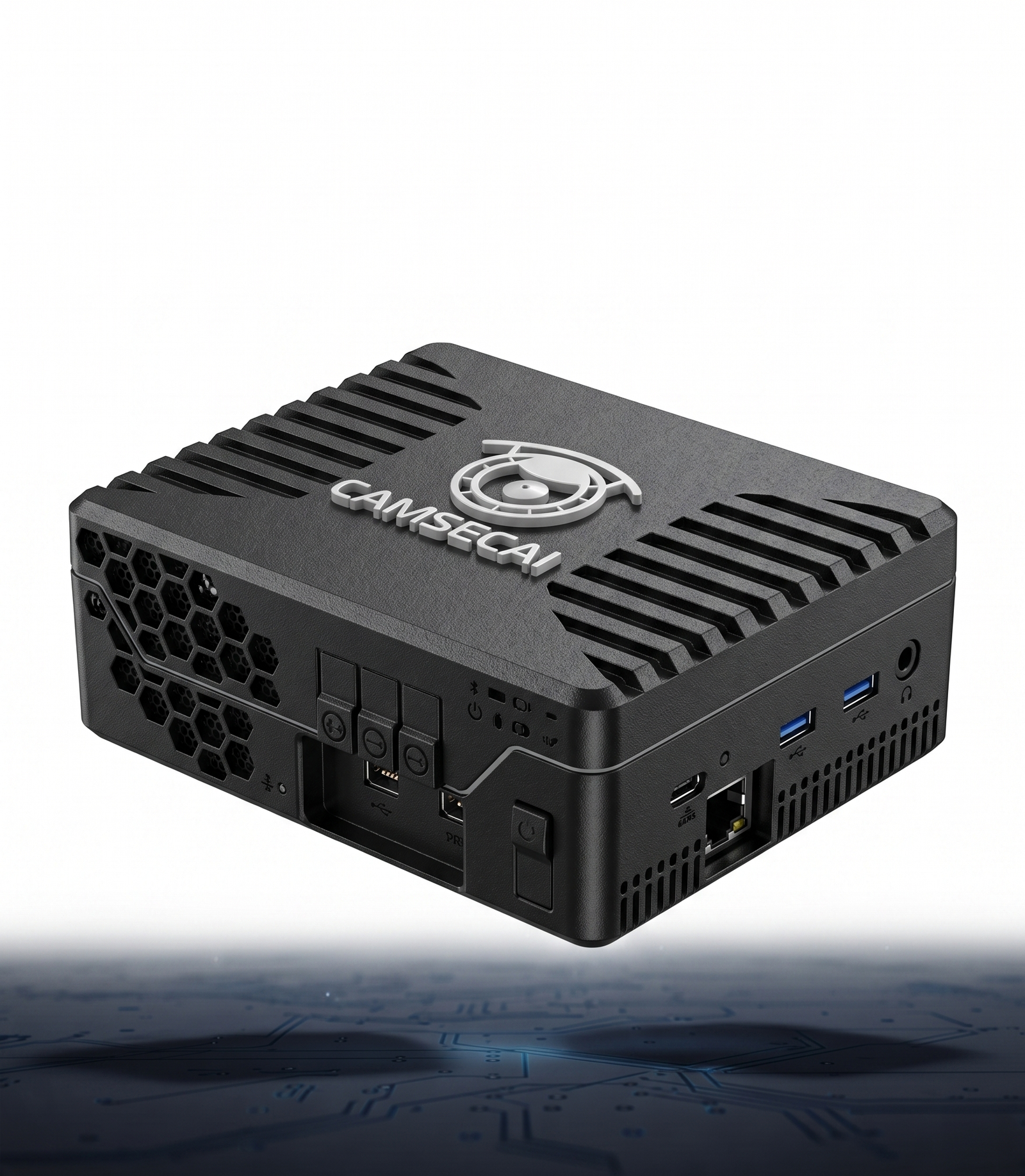
Camsec AI Pro Mini Device

The core edge AI computing gateway housing the neural processing units for localized video stream inference.

INCLUDED

Type-C to Type-C Power Cable

High-quality USB-C to USB-C cable for delivering stable power to the edge gateway device.

INCLUDED

Quick-Start Booklet

A highly visual trifold "How to use" guide featuring intuitive steps and QR codes routing to video tutorials.

Add-On Purchase Guide

Purchase & On-Site Requirements

These items are necessary for installation but are not included in the box. You must purchase them separately or have them available on-site.

REQUIRED

12V 3A Power Adapter (Doc)

A power dock/brick capable of outputting 12W 3A, required to connect with the included C-to-C cable.

REQUIRED

Micro HDMI Connector

An adapter to connect your standard monitor's HDMI cable to the device for localized dashboard viewing.

ON-SITE

Cat6 Ethernet Cable

High-throughput network cable requisite on-site for immediate connection to a PoE switch, NVR, or router.

Infrastructure Prep

Network Prerequisites

Ensure your existing network meets these fundamental parameters before attempting to bind the AI gateway. This ensures seamless ONVIF discovery and prevents bottlenecks.

Camera Specs

At least one active IP Camera with a minimum resolution of 2 Megapixels (1080p) is required for accurate geometry mapping.

Network Access

Immediate access to the exact local IP address, RTSP port, and administrator credentials of your NVR or IP Camera.

Internet Connection

A stable outbound internet connection on the exact same LAN or VLAN for device license validation and text metadata sync.

Video Encoding

Cameras must output standardized H.264 or H.265 video encoding. Proprietary "Smart Codecs" must be disabled to prevent frame dropping.

Data Sync
Pro Mini Camsec Pro Mini Edge Gateway
IP Cam 01 1080p • H.265
IP Cam 02 1080p • H.264
Calibration & Setup

Camera Geometry & Placement

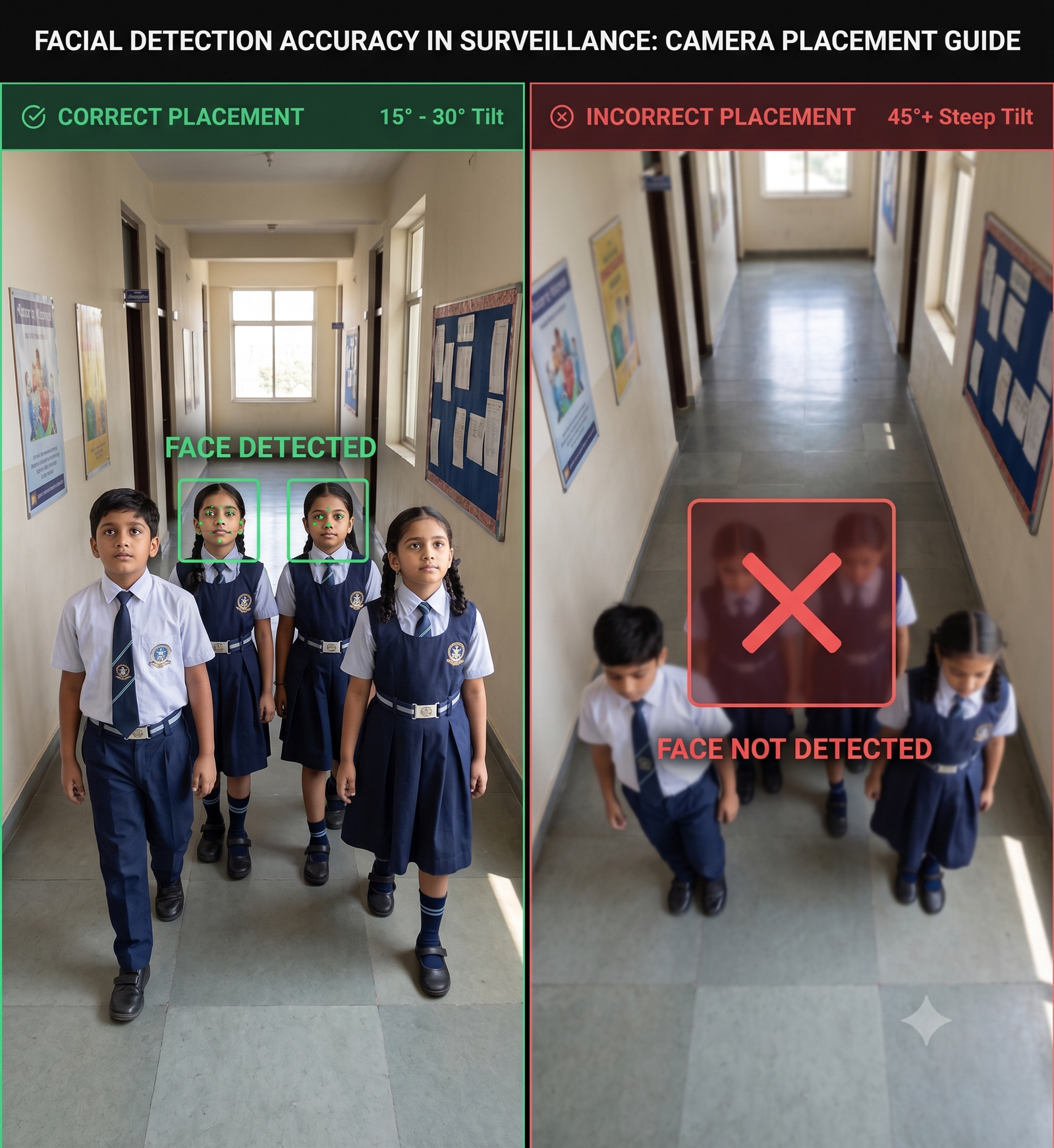
Optimal camera placement is critical for the AI to calculate precise mathematical distances between biometric landmarks. Improper angles can distort template extraction.

Optimal Camera Placement Angles
15°-30° Angle

Avoid steep 45° downward angles

Technical Parameter
Optimal Spec
Operational Rationale
Mounting Height
2.5 to 3 meters
Prevents physical tampering while capturing clear, horizontal facial geometry.
Camera Tilt Angle
15° to 30°
Angles exceeding a 30-degree tilt mathematically distort the biometric template extraction.
Resolution Density
Min 137 PPF
Ensures sufficient granular pixel density (Pixels Per Foot) to accurately map the biometric template.
Detection Choke Point
~ 4 meters
The ideal focal distance where the subject's face optimally fills the active detection area frame.
Illumination Constraints
Min 200 lux
Wide Dynamic Range (WDR) must be engaged to prevent backlighting silhouettes and shadows.